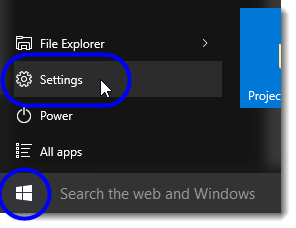
- Click on the Start button, and then select Settings from the Start menu.
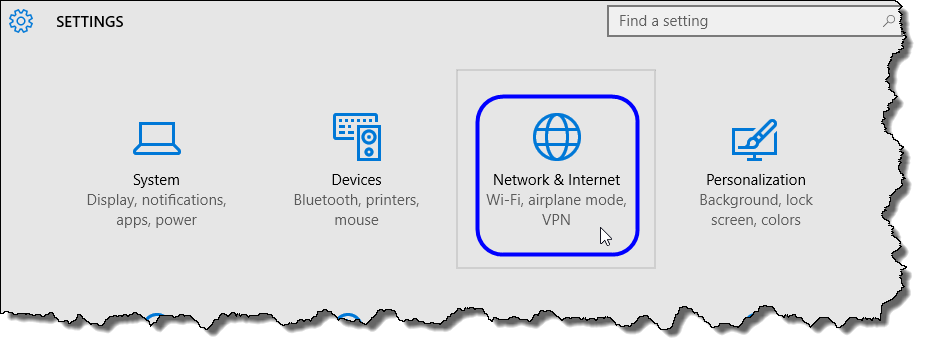
- In the Settings window, click on Network & Internet.
- In the Network & Internet window, select Airplane mode.
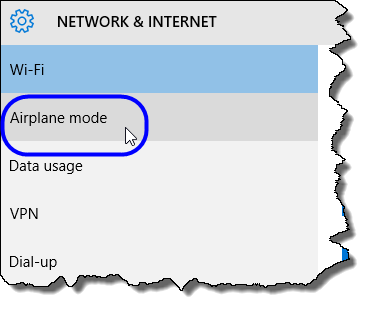
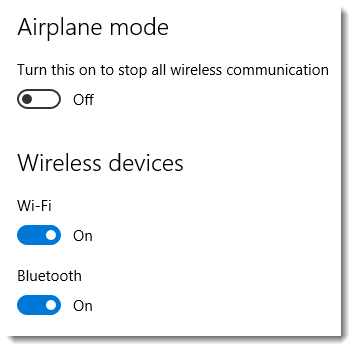
The Airplane mode area is displayed.
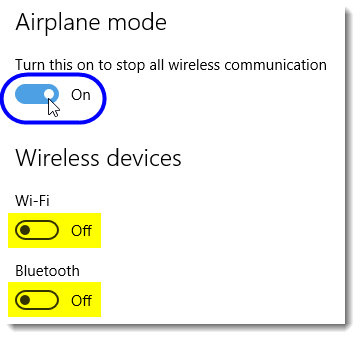
- In the Airplane mode area, click on the button to turn on airplane mode. (Note: In the Wireless devices area, Wi-Fi and Bluetooth are automatically turned off when you turn on Airplane mode.)